Glassmorphism for Vibe Coders: The Complete UI Guide
Frosted panels, soft blur, semi-transparent everything — glassmorphism is one of the most searched UI styles right now. Here's what it takes to build it correctly with AI coding tools.
Frosted glass cards floating over a deep, rich background. Soft blur behind each element, thin luminescent borders, everything slightly translucent.
That's glassmorphism — and it maps perfectly to the kind of dark, modern apps vibe coders tend to build. Dashboards, AI tools, fintech products, crypto apps. When it's done right it reads as sophisticated without trying too hard. It's also particularly well-suited to AI coding tools because a solid glassmorphism ui template does most of the heavy lifting — you just need to put it in the right place.
Getting there comes down to understanding a few specific things the style requires.
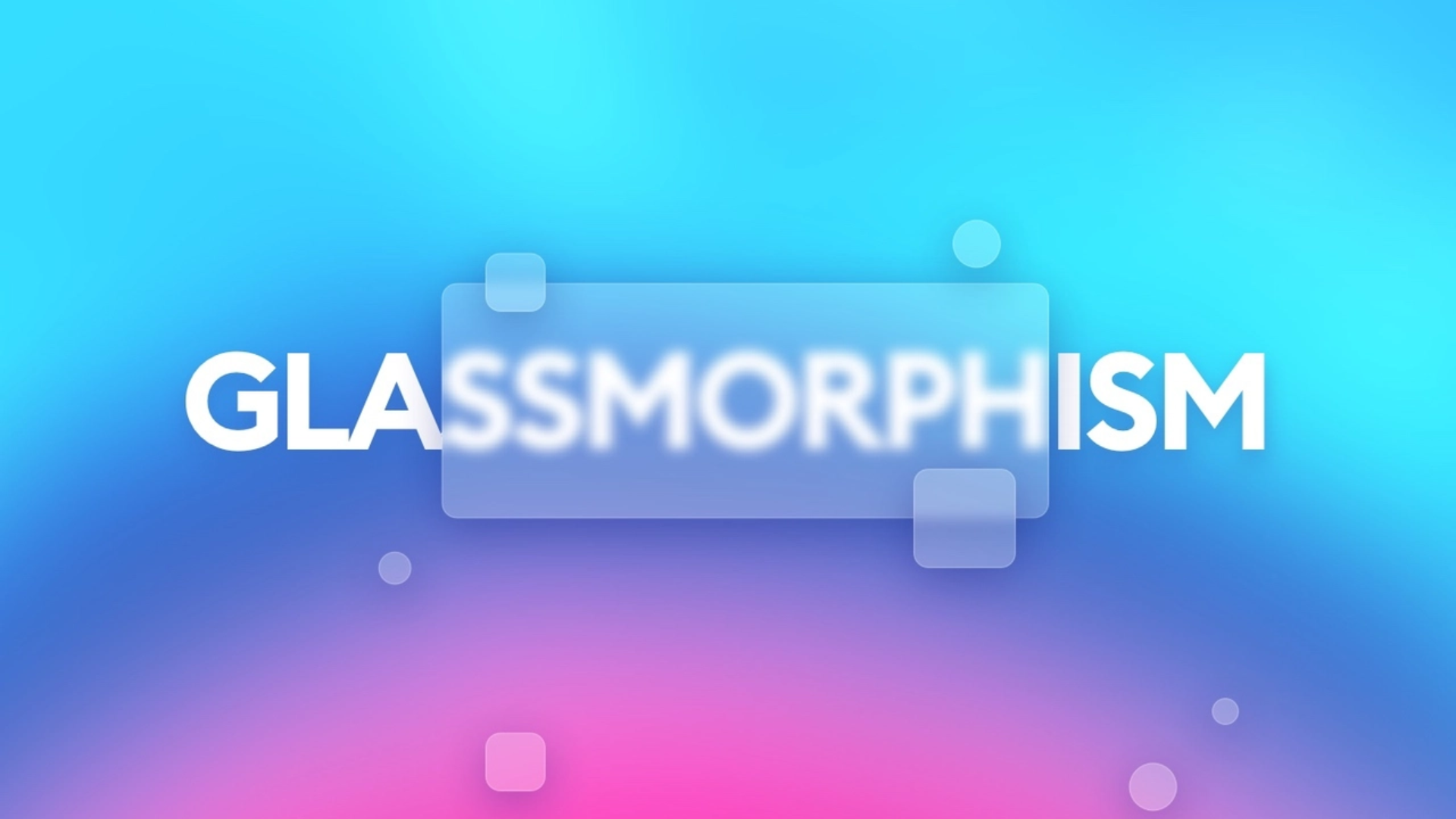
What defines it
Glassmorphism is a handful of properties working together:
Semi-transparent backgrounds — rgba values in the 0.1–0.2 opacity range
Backdrop blur               — the frosted effect comes from backdrop-filter: blur(), typically 10–20px
Thin light borders          — a 1px border at low opacity defines the glass edge
Soft ambient shadow         — not harsh, just enough lift to separate the card from the surface
The requirement most people miss: glassmorphism needs something behind it. The blur effect only renders when there's content underneath to blur through. Glass cards on a plain background just look like washed-out rectangles. The background isn't just the backdrop — it's half the design.
Where it fits
Dark dashboards, SaaS tools, fintech and crypto products, auth screens, modals. Any project with a rich, dark base layer has the right foundation. It fits less naturally anywhere requiring high text contrast for accessibility or a light-background layout.
The style also aligns well with what users already expect modern AI and tech products to look like. The frosted layer treatment pairs naturally with dark mode, which most SaaS builders are defaulting to anyway.
What AI gets wrong
Without a specific glassmorphism ui template to follow, AI tools tend to apply glassmorphism on light or empty backgrounds (the blur has nothing to work with), stack too many glass layers (the UI goes muddy fast), or push the opacity up until the cards stop looking transparent at all.
The background problem is the hardest to catch because glass cards might look fine in a component preview. The issue only appears in context on a real page.
A solid glassmorphism claude prompt needs exact values: blur radius, rgba background opacity, border treatment, and background specs. Without all of that, the output looks plausible in isolation and wrong everywhere else.